Breaking News
Showing posts with label Luncher. Show all posts

Monday, November 17, 2014

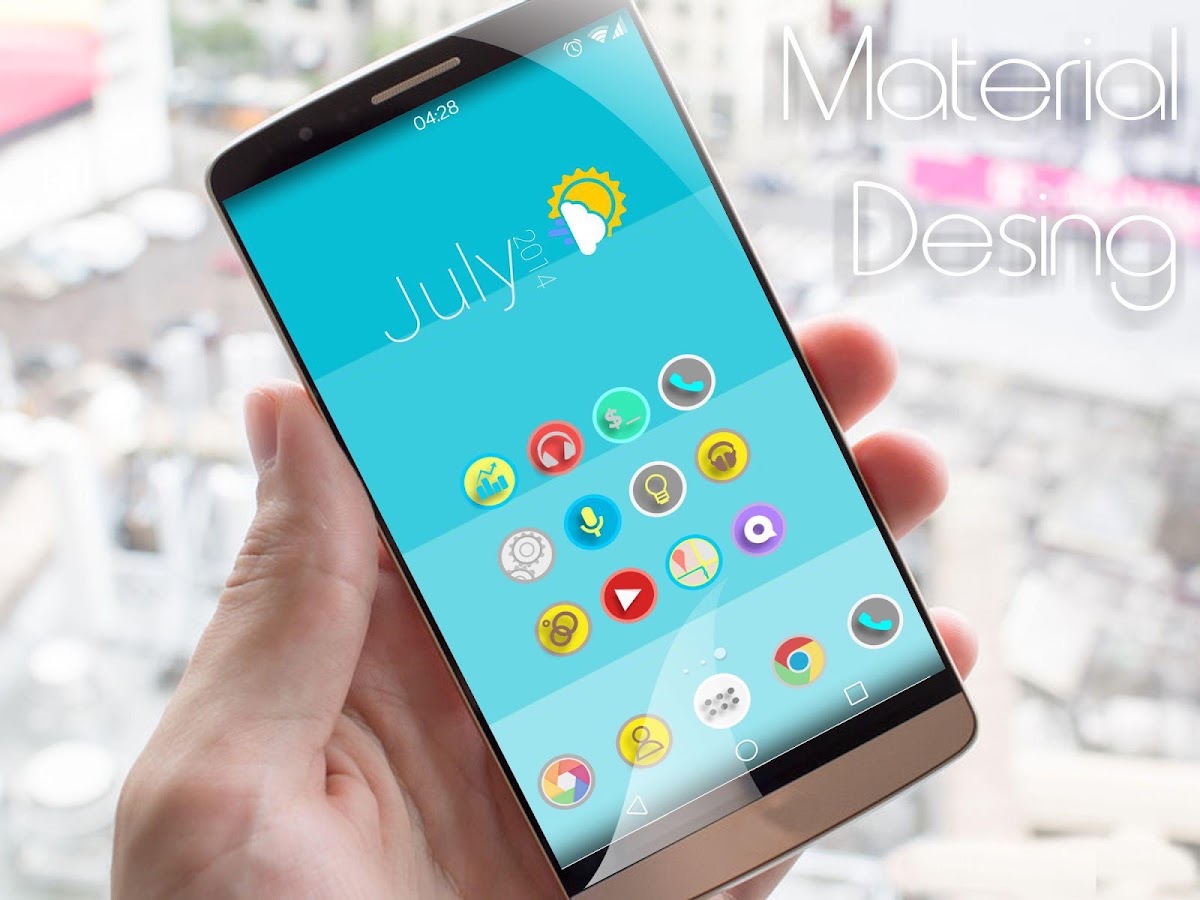
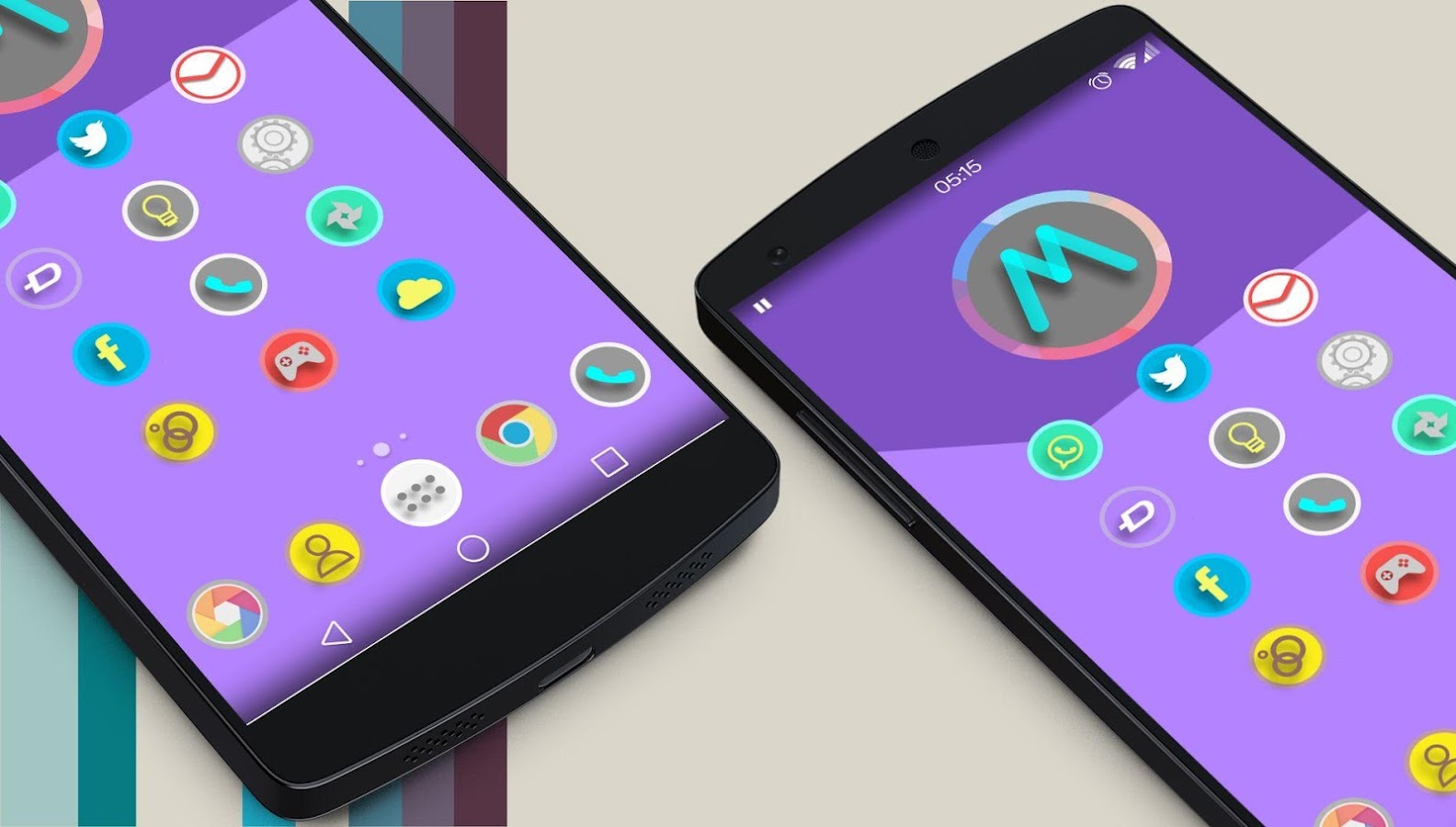
Lollipop Material Design Theme v3 APK


Magterial is a subtle, minimalistic & elegant theme created after months of hard work!


Lollipop Material Design Theme play.google.com.material
1900+ Icons
Magterial is a subtle, minimalistic & elegant theme created after months of hard work.
It adds the liveliness of icons back to your device.

PLEASE
READ THIS BEFORE DOWNLOADING!
This is Theme Material Design icon Pack HD. This is an icon pack for many Populars Launcher . As Apex Launcher, Nova Launcher, ADW, Holo, Go launcher, Action Launcher, and others. Also compatible.

Works with Launcher:
  • Nova
  • Apex
  • ADW
  • Inspire
  • Smart
  • Atom
  • Aviate
  • Solo
  • S Launcher
  • Slide
  • Winterboard
  • KK Launcher
  • Mini Launcher
  • Holo Launcher
  • Action Launcher Pro
  • Go Launcher (icons only)
  • Unicon only Icon
  • Walpaper design and resolution
What's in this version : (Updated : Nov 14, 2014)
  • New wallpaper hd
  • 35 icons more nawo 1935 icons hd
  • fix icons nexus 5 galaxy s5
Required Android O/S : 2.2+

Wednesday, November 5, 2014

KK Launcher (Lollipop & KitKat) Prime Apk

Capture
KK Launcher Prime
KK Launcher is the Top 1 Lollipop & KitKat style launcher; Most Fast, Cool, Powerful, and AD Free.
  • KK Launcher target users
  1. Who want latest Android experience, clean and modern design
  2. Who want smooth operation, handy features
  3. Who want their phones to be more powerful and playful
  • What make KK Launcher outstanding comparing to other launcher?
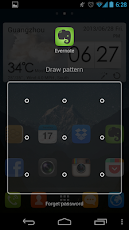
  1. KK Launcher have 20+ unique,COOL and useful features: such as Sidebar, Super folder, Private folder, App Lock, Double tap to turn off screen.
  2. Compare to Nova Launcher(or Apex Launcher,Solo Launcher), KK launcher base on KitKat, has latest Android UI and UE; while Nova Launcher base on ICS.
  3. Compare to Google Now Launcher, KK launcher has all of its features, adding many useful features.
KK Launcher Main Features
  • Support icon theme:
    Find 5000+ of launcher icon pack from Google Play Store; compatible with themes of nova launcher,solo launcher,go launcher,apex launcher, etc
    KK Launcher also support color theme: Customize icons color, shape, mask, size as you want easily
  • Handy Sidebar:
    Include Memory cleaner; Quick toggle; Favorite apps, and Sidebar can be launched from everywhere
  • Highly customize:
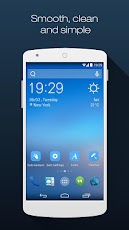
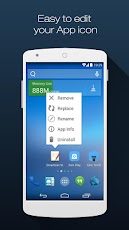
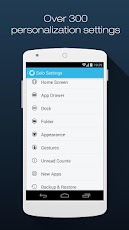
    Have 300+ of launcher options to tune your devices; options for grid size, app folder, 4 UI size mode, dock pages …
  • Google Now on your home screen:
    From left-most home screen, swipe right to access Google Now cards that give you just the right information
  • Just say “Ok Google”
    When you’re on KK Launcher screens(Android 4.4+), just say “Ok Google” to trigger voice input, then say your command
  • Updating to Android 5.0, Lollipop:
    Keep updating to latest Android L Lollipop (Android 5.0), bring you the latest Android experience
  • Launcher Desktop:
    Smooth animation; Wallpaper scrolling; 16 transition effect; 5 live wallpaper effect; Color wallpaper
  • Launcher Drawer:
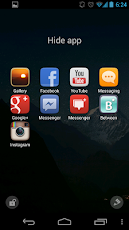
    Create drawer folder; Hide app; 3 drawer style; 4 drawer sorting; Quick A-Z location bar; Quick app search; Change grid size
  • Transparent StatusBar, larger viewing area:
    For Android 4.4, and Galaxy S4,Galaxy Note; Transparent StatusBar Clone for Android 4.0-4.3
  • Many Convenient Gestures:
    15 desktop gestures; Icon gestures; Folder gestures; Reachability Gesture(like feature in iOS 8)
  • Unread Counts:
    For SMS, Call, Gmail
  • Much more …
KK Launcher Prime Features
Direct Download Links
  • Private folder; Super folder
  • App Lock
  • Double tap to turn off screen, triple tap to turn on
  • More Unread Counts/Notifier
  • More gestures; Icon gestures
  • More transition effect
  • Etc…
What’s New
  • Add KK tools box( Include Battery Saver, Greenify, Cpu Monitor, Boost ), make your phone fast
  • Add Free style widget, make your phone special
  • Optimize theme store and cloud wallpaper
  • Fix SMS unread may always show 1
  • Fix dock icons may misplace
  • Fix several crash bug
How to install ?
  1. Download the apk file.
  2. No need to enter key.
  3. Install normally.
  4. Done ! :)
Screenshot
Download

Sunday, November 2, 2014

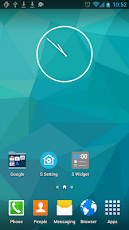
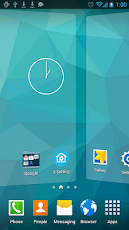
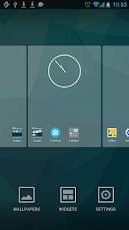
Download S Launcher (Galaxy S5 Launcher v2.8

App Icon
Floatify..Android L style heads-up notifications!

When you receive notifications Floatify will show you a heads-up popup window withstacked or latest notifications. You can interact with the popup, expand a notification to full size, open or cancel the notification, or open it in xHalo.
Even on the lockscreen (stock) you can directly open or cancel the notifications in Android L style!
Floatify can also wake your phone on notifications if you like.
QuickReply lets you directly reply without opening the app (WhatsApp, Line, Hangouts..) even from secure lockscreen!
Setup custom app settings like notification sound, lockscreen privacy, wake screen, popup timeout and more.
Choose from different popup themes or customize style as you like with animations, backgrounds, shapes and colors.

Explore the possibilities!

NOTE FOR ANDROID 4.1 + 4.2:
• Not all features are supported on Android versions before 4.3
• Notifications in statusbar cannot be cleared by Floatify like on Android 4.3!
• Some devices have a software bug and start talking, please disable TextToSpeech if this happens!
FLOATIFY NOTIFICATION:
• Android can kill any app if it is in background.
• Because of this Floatify shows a persistent notification on some devices.
• You can disable it in settings - extras - status bar notification
SETUP ACTIONS ON NOTIFICATION WHEN:
• Phone is in use
• On lockscreen (Stock)
• On unlock
• Screen turned on (unlocked)
FEATURES:
• Heads-Up notifications in Android L style
• Running on all Android 4.1+ devices.
• For full features 4.3+ is required!
• Quick Reply for WhatsApp, Line, Hangouts (If app supports this mode) (4.3+)
• Filter unwanted messages
• Quiet hours settings
• Custom app settings (Privacy, sound, wake, timeout..)
• Select from notification, ringtone or alarm sounds!
• Direct actions like call back / message (If notification app supports it)
• Expand notifications to full size
• Smart blacklist
• Lockscreen privacy setting
• Wake on notification (Auto pocket detection)
• Low battery consumption
• Fast and fluid handling
• Easy configuration
• Backup & Restore settings
• Much more!
STYLE:
• Icon pack support (Nova, Go, ADW,..)
• Choose a theme or customize as you like.
• Popup size, position, color, animation, opacity..
• Item color, divider, spacing, animations..
• Icon background, size, contact picture..
• Text color, max lines, size, bold..
• Unlimited possibilities

LANGUAGES:
• English
• German
• Spanish
• French
• Italian
• Turkish
• Polish
• Russian
• Hungarian
• Portoguese.
S Launcher (Galaxy S5 Launcher Screenshot 25
S Launcher (Galaxy S5 Launcher Screenshot 26

S Launcher (Galaxy S5 Launcher Screenshot 27
Download Links:

Date
Cracker/Uploader
Version
11/02/2014
unknown/A-x66
2.8 Unlocked
11/02/2014
unknown/A-x66
2.8 Unlocked

Wednesday, October 29, 2014

Downoad Solo Launcher - Swift & Smart v1.9.9.1 apk

App Icon
SIMPLE, SWIFT & SMART.
Solo Launcher has visualized and highly customizable settings, thousands of
free themes, efficient home screen gestures, Google Now voice support.

★Download Solo Launcher and enjoy 5,000+ awesome wallpapers, icons, themes for
FREE.

Users and professional reviewers love Solo Launcher. Here’s what they are saying:
"Solo Launcher manages to stand out by having a lot of the same features as other smart launchers, while still being free, and adding some sweet gesture controls”—Lifehacker
"Solo Launcher is an Android tinkerer's dream come true." —TechRepublic
"It aims to be the best. A focus on both flexibility and speed is at the heart of Solo Launcher." —AndroidHeadlines
"Very nice and elegant. It has been better than many of the other launchers I have used so far. Really smooth, fast and customizable. Great launcher. Highly recommended." —Anjanava Biswas
"This is by far the best launcher I have found. All the icons and homescreen tie together well and there are a ton of features and settings.” —Bry Hov
"I prefer Solo Launcher over all other launchers. Best of all it's FREE! No premium etc like you need with other launchers" —Kingvanimal
★FEATURES
Highly Customizable
- Over 300 personalization settings to choose from, more than 5,000 awesome themes, live wallpapers, screen-lockers and fonts are available.
Visualized Setting
- "What you see is what you set".
- Clear and logical setting interface. You can preview the setting effect and make the choice easily and quickly.
Smart Homescreen Icon Management
- Automatically put your frequently used app icons on the home screen, and everything is ready to go!
Nine Efficient Gestures
- Quickly access functions with gestures such as swiping up/down, double tapping, pinching in/out, etc.
Unread Message Count
- For SMS, emails and also missed call notifications.
Grouping Made Easy
- Organize apps into tabs and folders in the app drawer.
Smart Widgets
- Free customized animated weather clock widget, One-click Cleaning widget, Solo Smart Search widget. etc.
Customizable Toolbar
- Set frequently-used apps in the toolbar and quickly access them from the notification center.
5,000+ Awesome Wallpapers, Icon Packs and Themes for FREE
- Download Solo Launcher to enjoy over 5,000 fabulous free themes, icons and live wallpapers in Solo Play, including iOS 7 theme & Android L theme.
“ OK, Google ” Hotword Search is Live Now!
- Enjoy voice search right from the homescreen or any app drawer, without tapping on the keyboard.
Icon Gallery
- App icons can be replaced with ones from the Solo Icon Gallery, or you can select a picture from your Photo Gallery.
Completely FREE
- Other launchers with the same or comparable features may charge around $5,while Solo Launcher, and all its themes, are free.
 
regularly.
Solo Launcher - Swift & Smart Screenshot 40
Solo Launcher - Swift & Smart Screenshot 41
Solo Launcher - Swift & Smart Screenshot 42
Download Links:
Link 1   |   Link 2

Download GO Launcher EX -Most Installed v5.09 Unlocked Apk

App Icon
GO Launcher 5 has arrived! Its UI and UX has been recreated from bottom to top. Enjoy simple and intelligent new mobile experience, or start customizing the looking and feel in your own way.
GO Launcher EX - the final choice for 200,000,000+ people! User voted best Android Launcher! Download it now to enjoy 10,000+ themes and experience the super speedy and smooth operation provided by powerful 3D core! As the best home screen replacement, it offers you many first-ever features to customize your own homescreen experience. It is not only for people who taking Android for granted, but for those who take their Android for lifestyle and partner in life.
 
■ Testimonials
“ GO Launcher EX took the top spot, bringing home over 37% of the overall vote. ” - Lifehacker (Releasing the result for the poll “What's The Best Android Launcher”)
“If you adopt GO Launcher EX as your default homescreen, you will use it all the time.” - Androidtapp
“GO Launcher EX is perfect for people who are getting a bit tired of seeing the same old Android launch interface.” - CNET
■ Free Features
- GO Panel to add frequently used features with just one click (New)
- More than 10,000 personalized themes (keep increasing)
- Super smooth flipping and transition effects provided by 3D core
- 25+ fancy transition effects
- 15+ widgets available for free (weather, clock, switch, calendar…)
- Launch apps using gestures
■ Pro Features
- Multi-touch to quick access to core functions
- 4 additional splendid transition effects
- No sponsored messages or Ads
GO Launcher EX -Most Installed Screenshot 14
GO Launcher EX -Most Installed Screenshot 15
GO Launcher EX -Most Installed Screenshot 16
Download Links:
Thursday, October 16, 2014

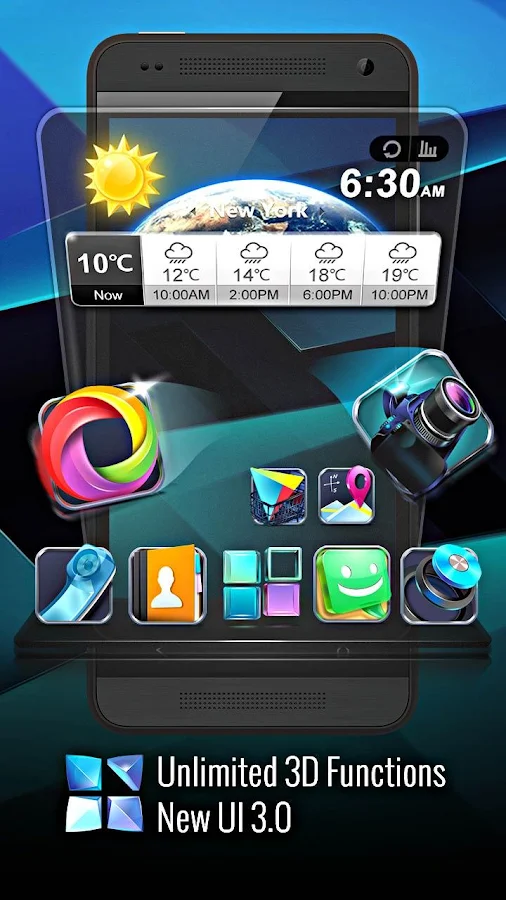
Next Launcher 3D Shell v3.19 APK


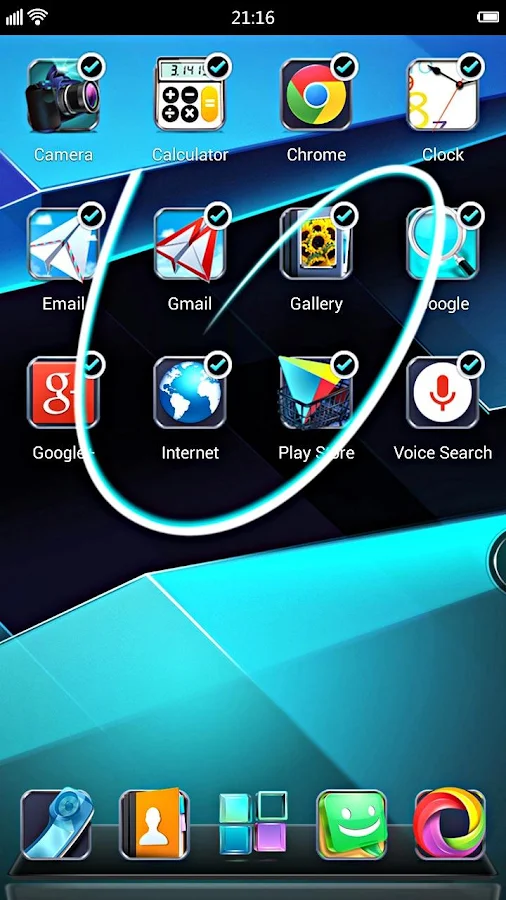
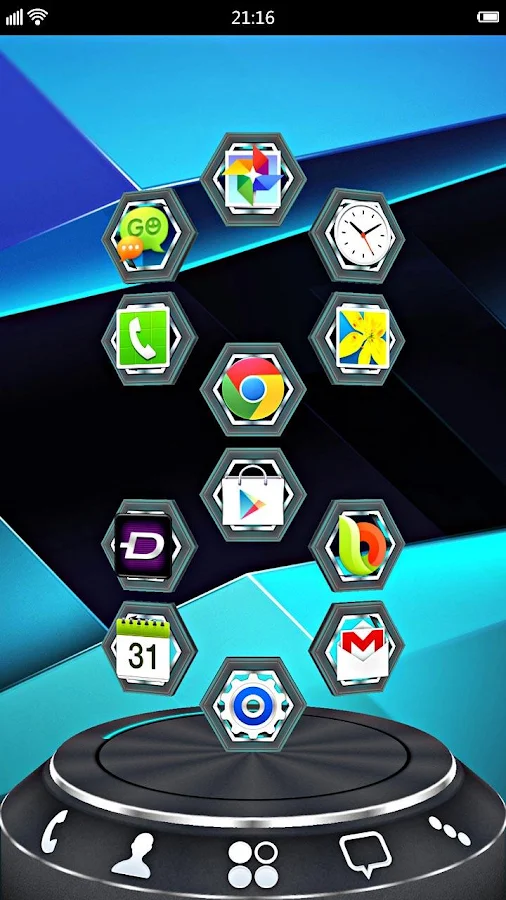
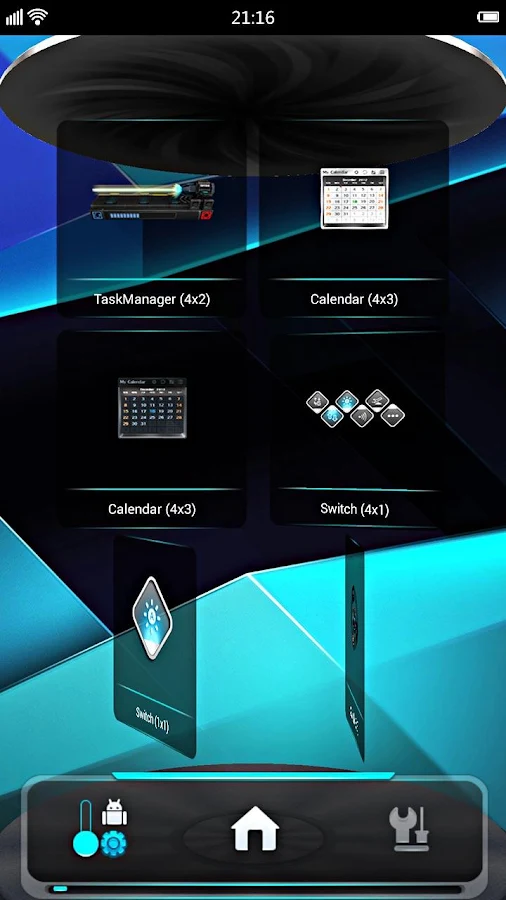
Next Launcher 3D Shell shows you how 3D dynamic effects and highly customizable Android home screen replacement app could redefine your Android device!


Next Launcher 3D play.google.com.nextlauncher
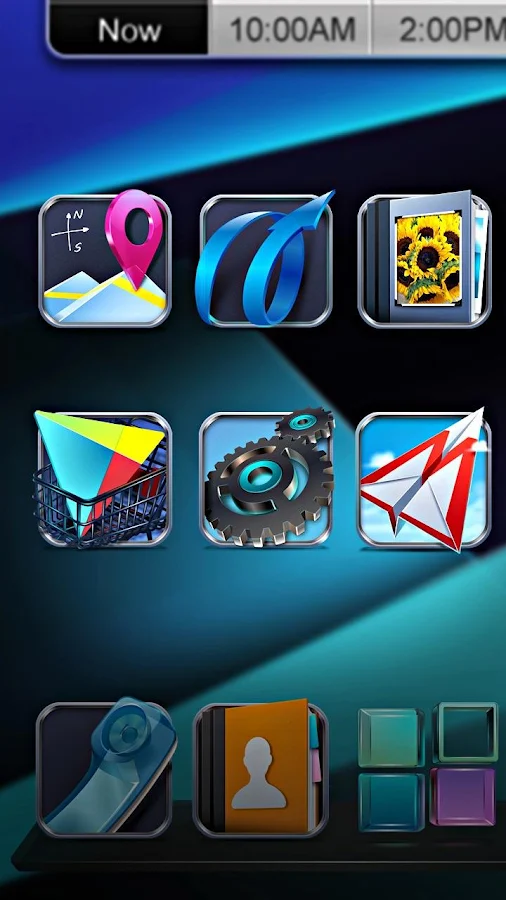
Forget about everything tiling on the flat like dead fish. Forget about the icon showing like a piece of paper. Forget about the dock standing in line like dumb wood. Forget the traditional launcher and embrace REAL 3D Launcher!

Next Launcher 3D is so proud to present the first REAL 3D Launcher in Google Play Store. Evolution is coming.
Extend imagination, extend capabilities!
Join millions of users for unique and splendid operation experience and visual enjoyment!
Features:
  • Extremely fancy 3D effect with buttery smooth experience
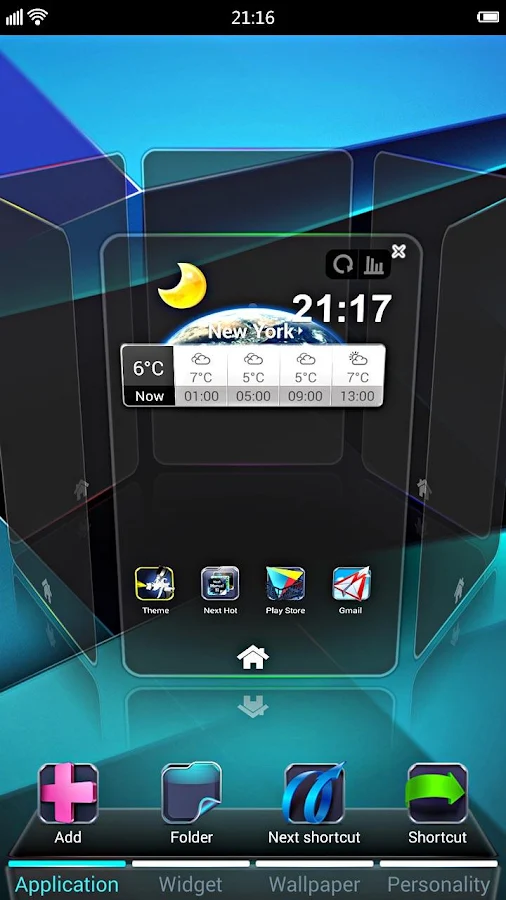
  • Real 3D Home Screen Transition Effects (Crystal, Cloth, Folding and more coming soon)
  • Stunning 3D screen preview with dazzling animation of screen switching
  • Build unique icon style by changing its size, angle, style and label (Icon Editor)
  • Combine all good parts from different themes into a single theme you really love (Theme Mix Mode)
  • Efficient and powerful batch apps management with gestures
  • Up to 8 different gestures available in home screen and app drawer 
  • See how cool your phone could be by blowing all the icons and the widgets to air space (Floating Mode)
  • Enhanced shining border effects for home screen transition 
  • Up to 7 rows on dock to shortcut all your favorites
  • Keep releasing 3D Next widgets, 3D themes and live wallpapers special designed by GO Launcher Dev Team
Next Launcher 3D Shell— Best 3D Launcher Ever. + Brand new UI3.0 Just Released!
    What's in this version: (Updated : Oct 14, 2014)
    • (New) Next Pet
    • (Improved) Quick Search
    • (Improved) Lighter APK pack
    • (Improved) Some FC bugs.
      Required Android O/S : 2.2+

      Sunday, August 31, 2014

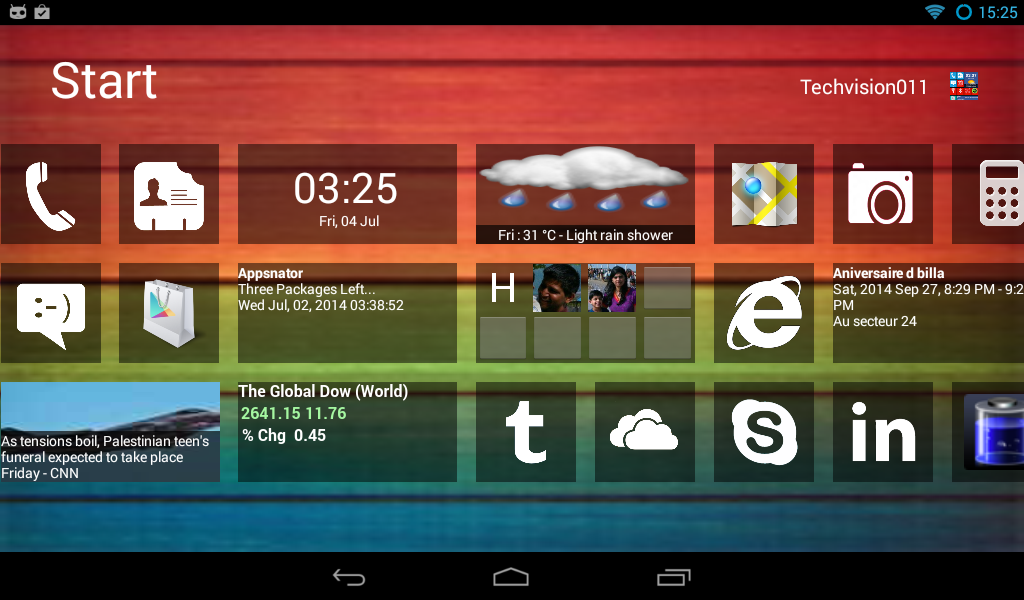
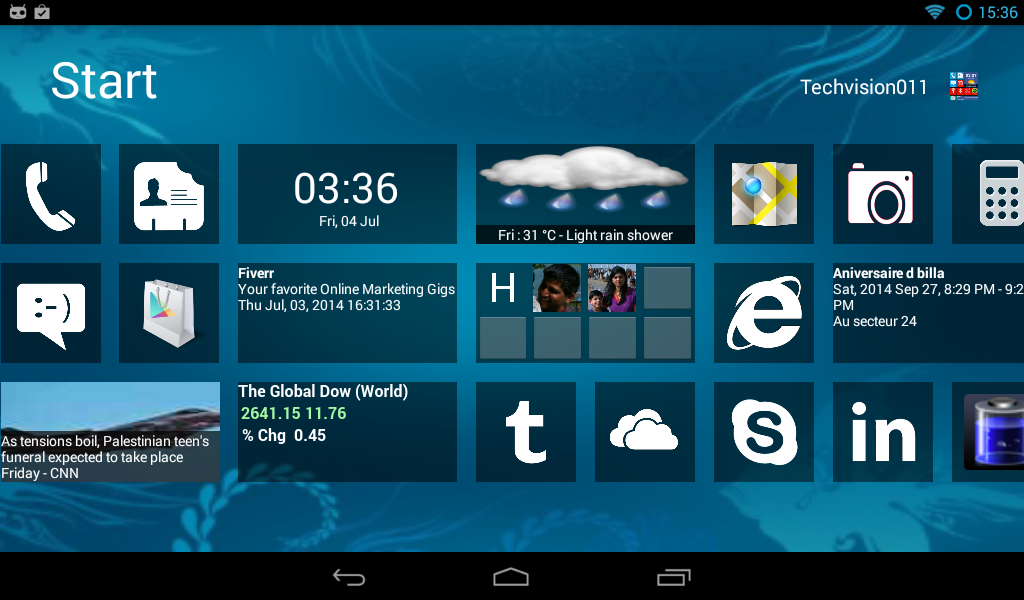
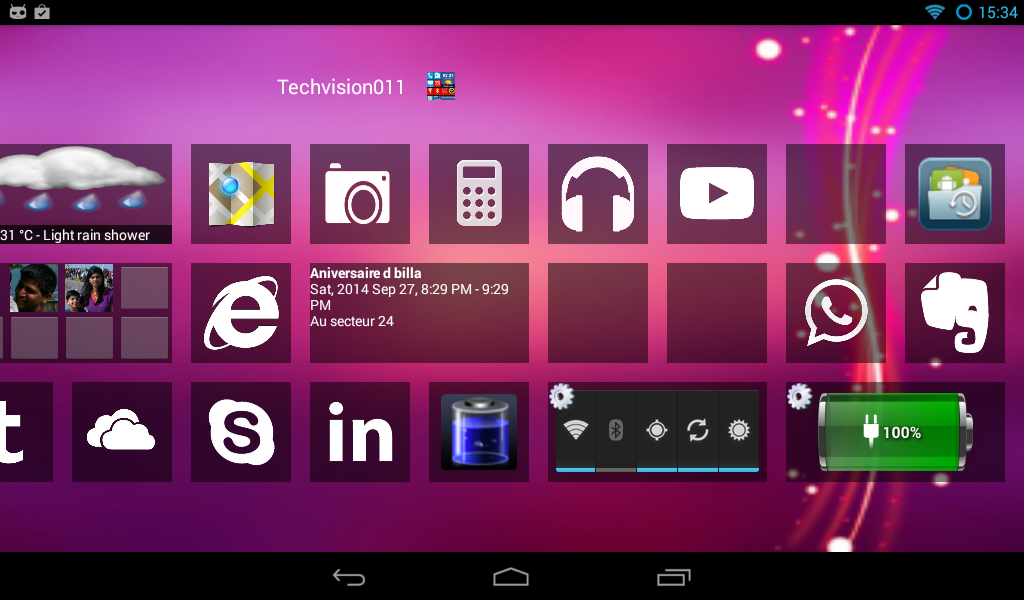
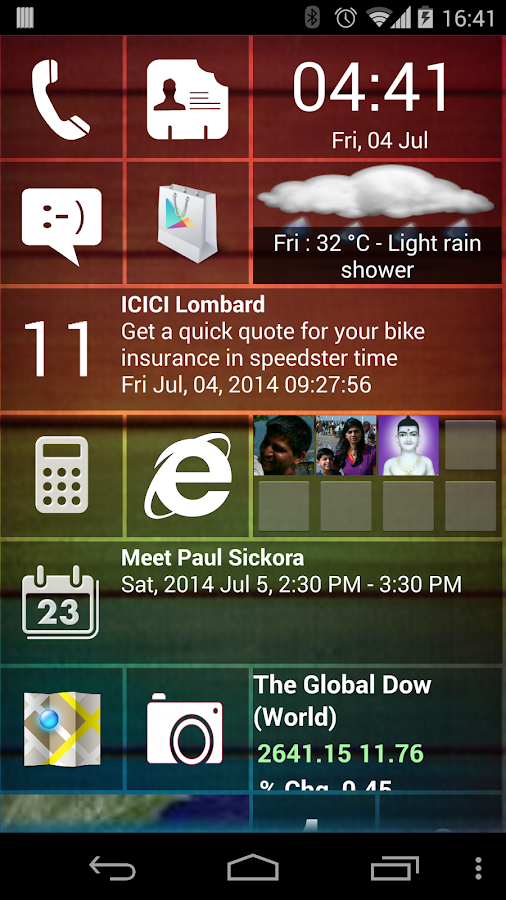
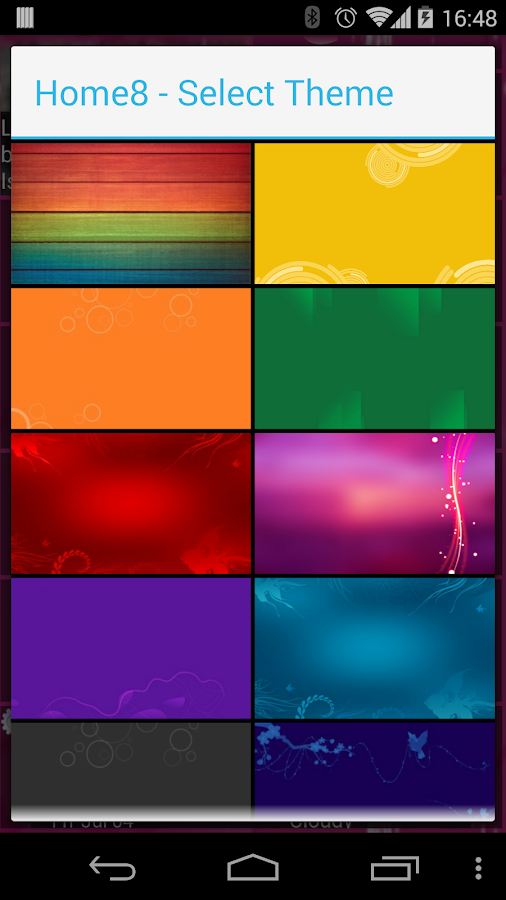
      Home8+ like Windows 8 Launcher v3.3 APK


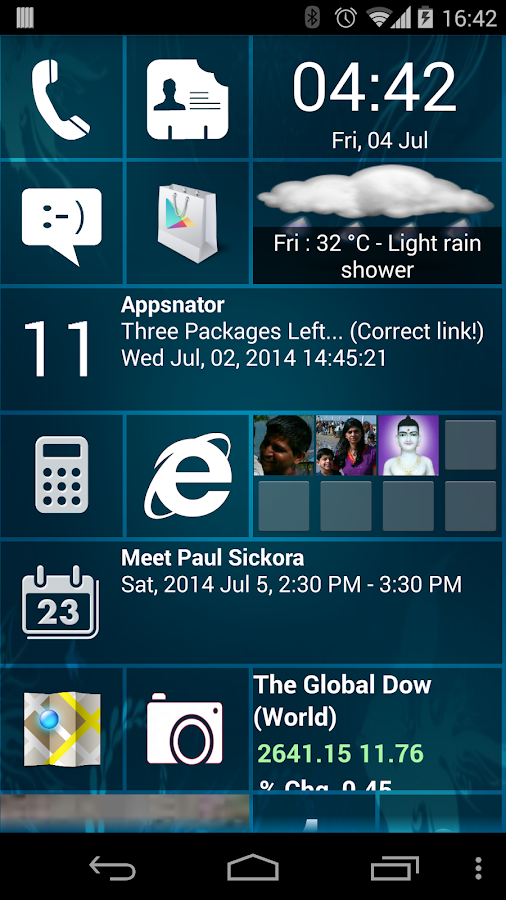
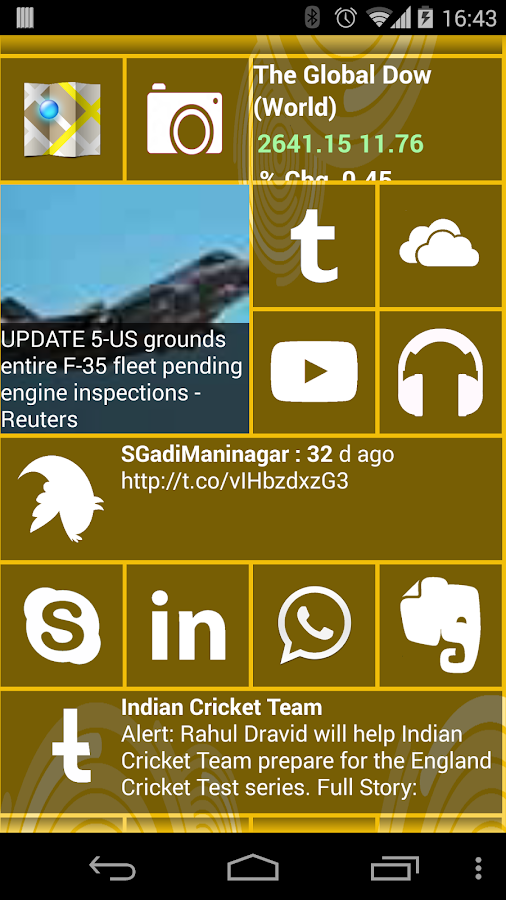
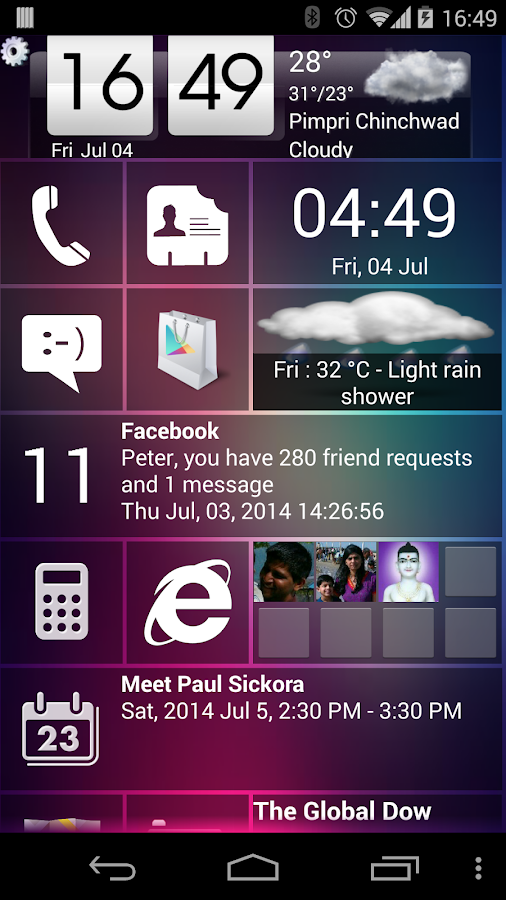
      Only Windows 8 style Launcher with real live tiles - Gmail, twitter, facebook, calendar, news, weather, stock market !


      Home8+like Windows8 Windows 8 play.google.com.windows8p
      Features:
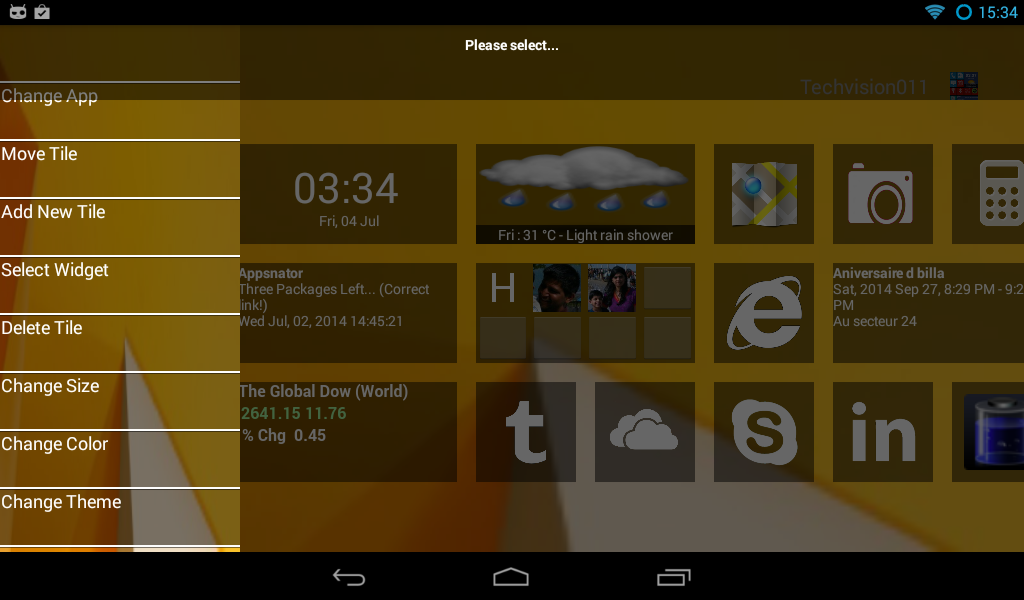
      • Live tiles for gmail, news, weather, twitter, calendar , etc with many configuration options
      • Drag and drop tile groups to re-order/change the position of tiles.
      • Change icon/tile icon size using Menu >> Icon Size 
      • Select the preferred country for news using Menu >> Prefs >> News Country and for stock market using Menu >> Prefs >> Stock Market 
      • Power Control widget to on/off Wifi, Airplan mode, Bluetooth, ring mode, screen brightness, etc.
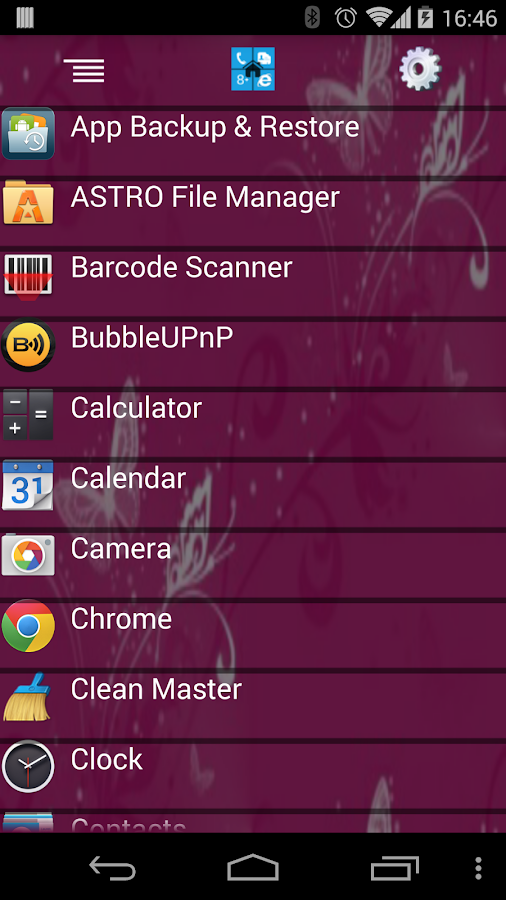
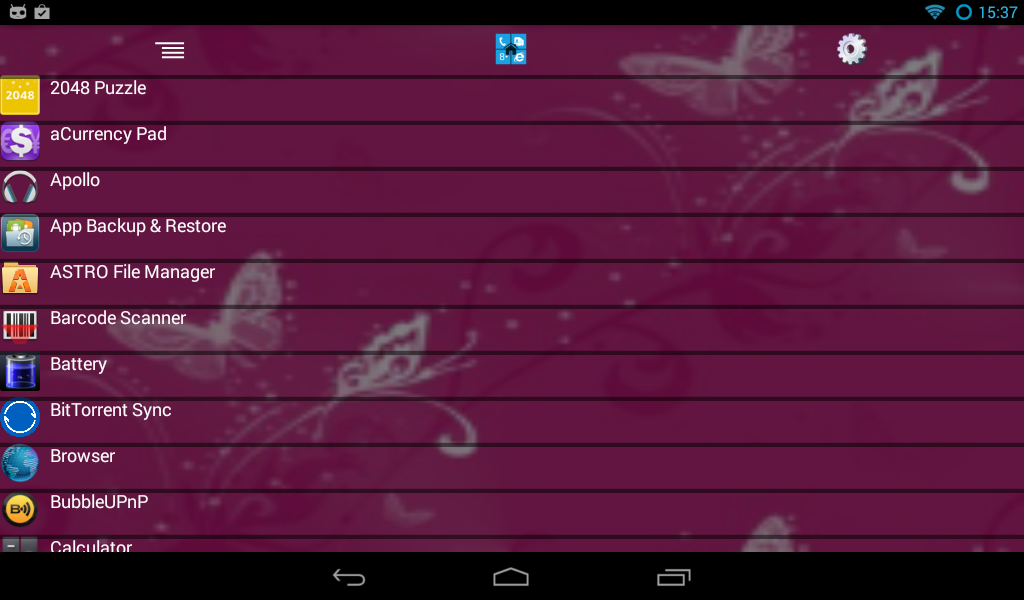
      • Click on icon/tile will bring up (launch) the associated app, (This application will try to associate most common applications like dialer, messsage, google play, etc) if you are clicking first time and no application is associated then list of all installed apps will be opened and you can associate any app of your wish to this tile.
      • Long Click on icon/tile to change the color, icon, application associated to tile. Following 3 options are available\n * Associate App - Change the launching app while keeping the same icon on home screen.\n * Change Color - Change background color of tile.\n * Change App - Change the launching app and icon will be replaced with app default icon on home screen. 
      • Additional icons/tiles style which can be customized as per your need. Add/remove tiles from Menu >> Tiles
      • Weather Service : Based on your current location, local weather details are available.
      • Stock Market updates : Select your preferred Stock Market using Menu >> Misc >> Stock Market
      What's in this version : (Updated : Aug 31, 2014)
      • Tile Drag/Drop enhancements
      • Select color as background theme
      • Weather live tile defect fix
      • Performance enhancement
      Required Android O/S : 2.2+

      Saturday, August 30, 2014

      Next Launcher 3D Shell v3.17 APK


      Next Launcher 3D Shell shows you how 3D dynamic effects and highly customizable Android home screen replacement app could redefine your Android device!


      Next Launcher 3D play.google.com.nextlauncher
      Forget about everything tiling on the flat like dead fish. Forget about the icon showing like a piece of paper. Forget about the dock standing in line like dumb wood. Forget the traditional launcher and embrace REAL 3D Launcher!

      Next Launcher 3D is so proud to present the first REAL 3D Launcher in Google Play Store. Evolution is coming.
      Extend imagination, extend capabilities!
      Join millions of users for unique and splendid operation experience and visual enjoyment!
      Features:
      • Extremely fancy 3D effect with buttery smooth experience
      • Real 3D Home Screen Transition Effects (Crystal, Cloth, Folding and more coming soon)
      • Stunning 3D screen preview with dazzling animation of screen switching
      • Build unique icon style by changing its size, angle, style and label (Icon Editor)
      • Combine all good parts from different themes into a single theme you really love (Theme Mix Mode)
      • Efficient and powerful batch apps management with gestures
      • Up to 8 different gestures available in home screen and app drawer 
      • See how cool your phone could be by blowing all the icons and the widgets to air space (Floating Mode)
      • Enhanced shining border effects for home screen transition 
      • Up to 7 rows on dock to shortcut all your favorites
      • Keep releasing 3D Next widgets, 3D themes and live wallpapers special designed by GO Launcher Dev Team
      Next Launcher 3D Shell— Best 3D Launcher Ever. + Brand new UI3.0 Just Released!
        What's in this version: (Updated : Aug 29, 2014)
        • (New) Instant Search(Glide down in screens)
        • (Improved) Better performance in RAM usage
        • (Improved) Smoother in openning launcher
        • (Fixed) Some FC bugs
          Required Android O/S : 2.2+
          Designed By Published.. Blogger Templates